Random Number Generator: Pick a Number From Any Range
This random number generator wheel is a free number picker. Set a minimum and a maximum, then press Spin. The wheel stops on one number. Every number in the range has the same chance, and the pick comes from your browser’s secure random number generator. ShuffleWheel can also draw up to 100 numbers in one set.
How to Use the Random Number Generator Wheel
It takes four steps. The controls are under Numbers.
- Pick Range. It is the first of three buttons at the top of Numbers. It is already on when the page opens.
- Type a Minimum and a Maximum. Both numbers are included. The wheel opens set to 1 to 10.
- Leave How many at 1 for one number. Raise it to draw more.
- Press Spin. One number opens a box called Your number. Many numbers show in the order they were drawn.
Three Ways to Fill the Wheel
Three buttons at the top of Numbers set what goes on the wheel. They are Range, Custom and Digits.
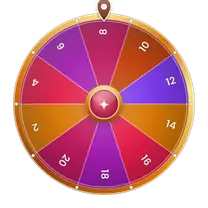
Range
Range puts every whole number from your Minimum to your Maximum on the wheel. Interval sets the gap between numbers. Exclude removes numbers you list. Separate them with commas or spaces.
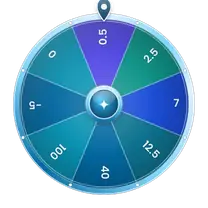
Custom
Custom lets you type your own numbers in the Your numbers box. Separate them with commas, spaces or new lines. You need at least 2.
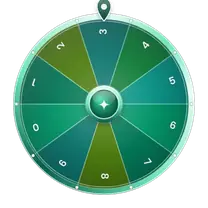
Digits
Digits builds a number one digit at a time. Choose 1 to 6 digits. Each digit gets its own spin. The Lowest digit and Highest digit start at 0 and 9. Four digits might give 0357. Leading zeros stay, and a digit can repeat.
- Even numbers up to 100: Minimum 2, Maximum 100, Interval 2. You get 50 numbers.
- Odd numbers up to 99: Minimum 1, Maximum 99, Interval 2. You get 50 numbers.
- Multiples of 5 up to 100: Minimum 5, Maximum 100, Interval 5. You get 20 numbers.
- 1 to 20 without 7 and 13: Minimum 1, Maximum 20, then type 7, 13 into Exclude. You get 18 numbers.
- Negative numbers: type a minus sign before the number. Negative 10 to 10 gives 21 numbers, and zero is one of them.
Your Maximum joins the wheel only if the Interval lands on it. Minimum 1, Maximum 10 and Interval 4 gives 1, 5 and 9.
Decimals and negative numbers work in Custom. Use a dot for decimals, like 2.5. Do not type 1,000, because the comma splits it into 1 and 0. A number you type twice gets two slices. That doubles its chance.
How Do You Pick Several Numbers With No Repeats?
- Set How many to the number of draws.
- Turn on No repeats.
- The wheel spins once for each number. After each spin, the winner leaves the wheel until the set ends. So every number in the set is different. This is also called drawing without replacement.
- When the set ends. The next spin starts from the full wheel again.
- Remove each winner. It works across spins instead. It keeps winners off the wheel until you press Reset. People also call this elimination. Use it when you spin one number at a time and nobody should win twice.
- Enough numbers. No repeats needs enough numbers. Ask for 5 numbers from a wheel of 4 and you get an error. It says Only 4 different numbers are on the wheel.
- Custom duplicates. A number you type twice has two slices. No repeats removes one slice per draw. So that number can still come up twice.
- Timing. Sets take a little time. Each spin lasts about 2 seconds, so 100 numbers take a few minutes. Press Stop to end early. The numbers drawn so far are kept.
Is the Random Number Generator Wheel Random?
Yes. Every number on the wheel has the same chance. All slices are the same size. Nothing is weighted, unless you type a number twice in Custom.
Here is how a spin works. Your browser picks one slice at random. Then the wheel turns and stops on that slice. The spin shows the pick. It does not change it.
Browsers do not use a truly random source. They use a pseudorandom generator with a strong seed. According to MDN, it is suitable for cryptography. That is more than enough for raffles, games and class picks.
Streaks still happen. A fair wheel can give the same number twice in a row. Each spin is separate unless you use No repeats.
Ways to Use a Random Number Picker
- Draw raffle tickets. Say your tickets run from 1 to 250 and you need 3 winners. Set Minimum 1, Maximum 250 and How many 3. Turn on No repeats. One set gives three different tickets.
- Call on a student. Give each student a number. Turn on Remove each winner. Spin once for each question. Nobody is picked twice until you press Reset. To pick by name, use the Spin the Wheel page.
- Practice counting. Spin 1 to 10 for early counting. For skip counting, raise the Interval. Minimum 0, Maximum 100 and Interval 10 puts the tens from 0 to 100 on the wheel.
- Set a turn order. Number your 4 players from 1 to 4. Set How many to 4 and turn on No repeats. The numbers show in the order they were drawn. The first number drawn goes first.
- Fill football squares. A squares grid needs each digit from 0 to 9 once on each side. Set Minimum 0, Maximum 9 and How many 10. Turn on No repeats. Draw once for the top and once for the side.
- Choose a sample. To check 10 files out of 500, set Minimum 1, Maximum 500 and How many 10. Turn on No repeats. Then match the numbers to your files.
Limits to Know
- You can draw 1 to 100 numbers in one set.
- A Range wheel holds up to 10,000 numbers on a desktop. On a screen under 640 pixels wide, it holds up to 1,000. For more, shrink the range or raise the Interval.
- Range needs whole numbers. Use Custom for decimals.
- A crowded wheel may have slices too thin to show each number. The winner still shows in the result.
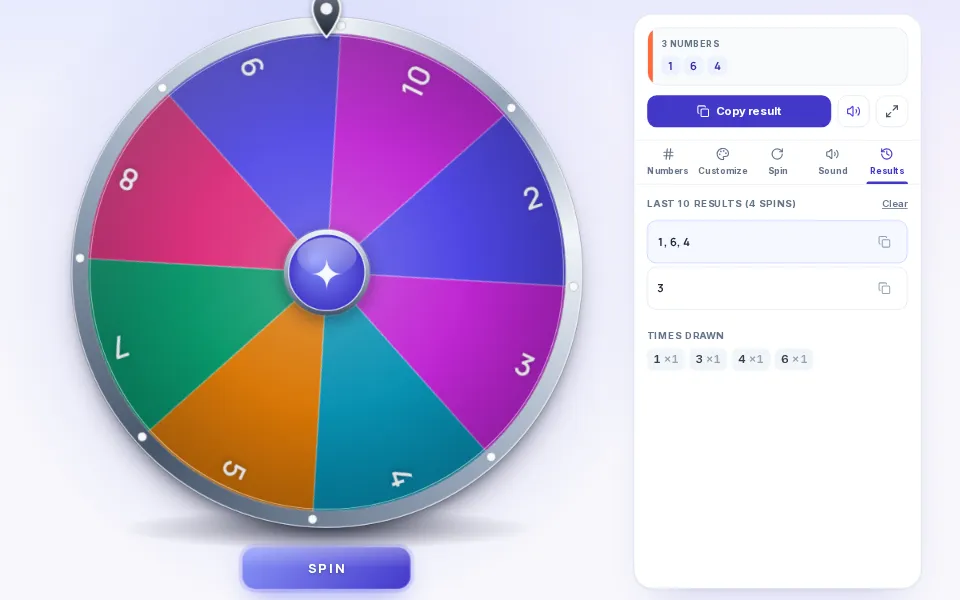
- Your numbers stay in your browser, and ShuffleWheel does not receive them. The last 10 results and the Times drawn counts clear when you reload.
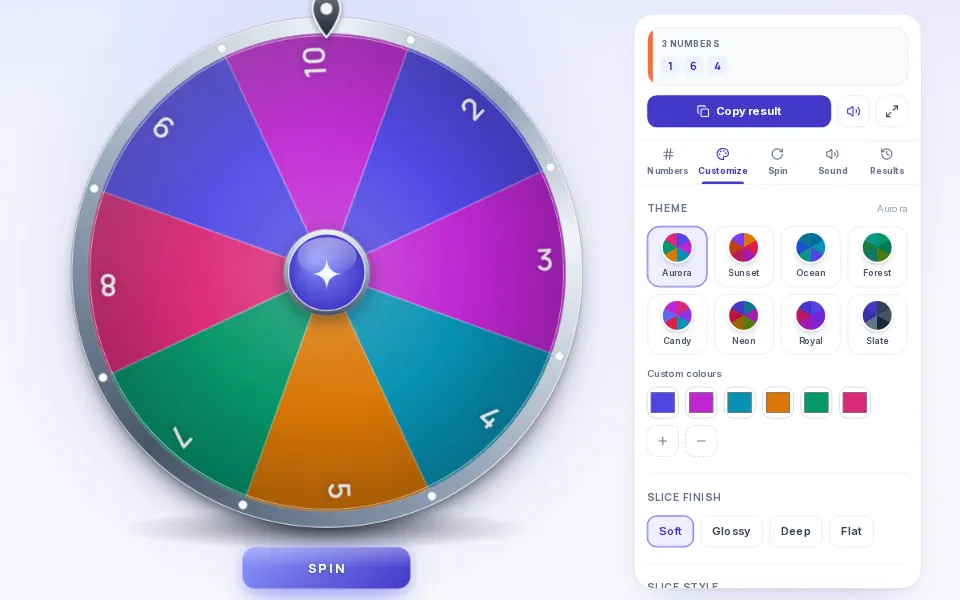
Settings for Look, Speed and Sound
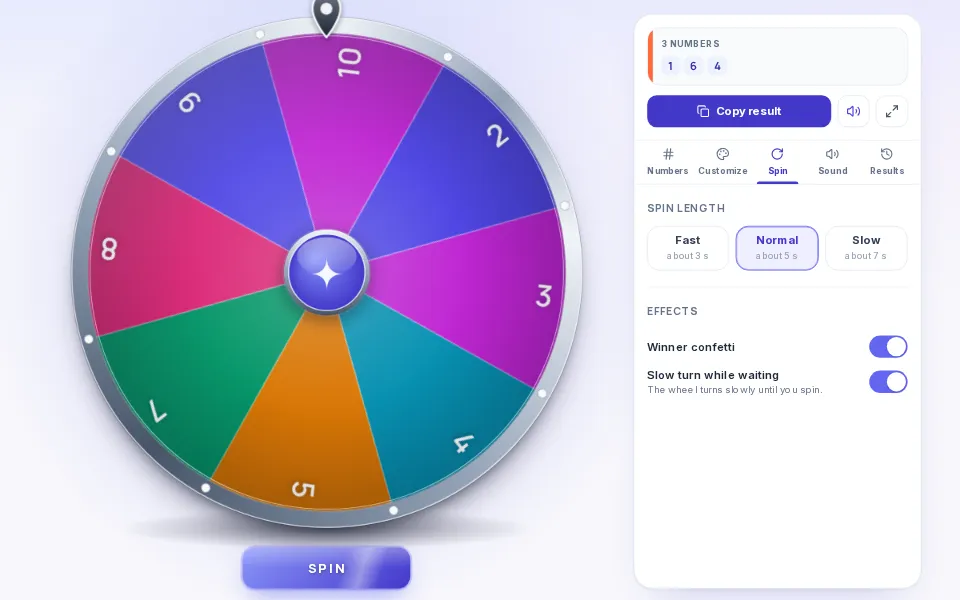
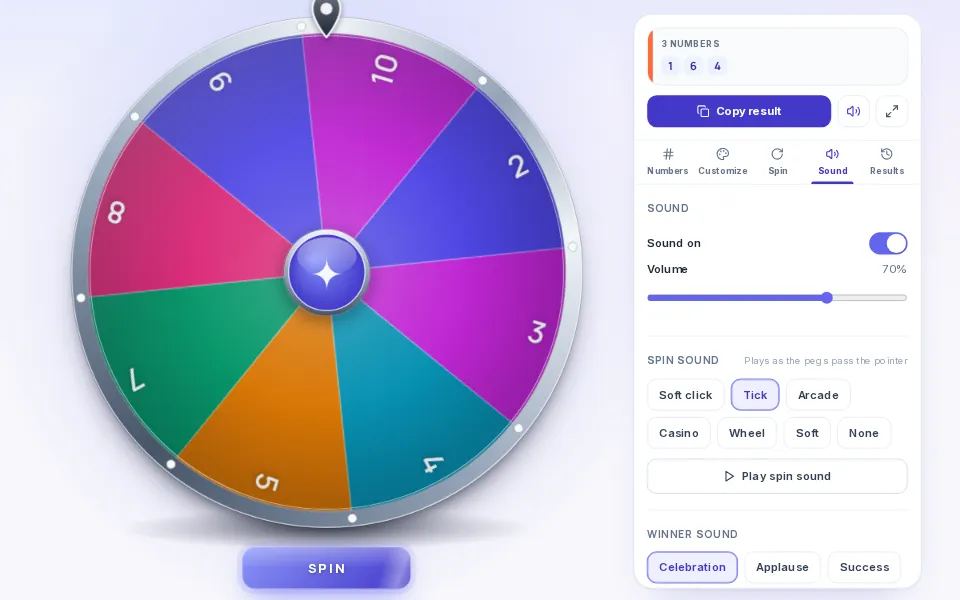
These settings do not change the odds. On a phone, they sit under Settings.
Other wheels for related jobs
- To roll dice with sides, use the Dice Roller, which rolls a d4, d6, d8, d10, d12, d20 or a custom die.
- To pick a person instead of a number, use the Random Name Picker.
- To pick a letter from A to Z, use the Random Letter Generator.
Frequently Asked Questions
It is a wheel with a number on each slice. You press Spin, and it stops on one number. Every number has the same chance. On ShuffleWheel you can set the range, skip numbers, or type your own list.
Set Minimum to 1 and Maximum to 100. Leave How many at 1 and press Spin. The wheel stops on one number from 1 to 100, and both ends are included.
Yes. Set How many to any number from 1 to 100, and the wheel spins once for each number. With No repeats off, the same number can come up twice. With No repeats on, each winner leaves the wheel until the set ends, so every number in the set is different.
Every number on the wheel has the same chance. Your browser picks a slice at random, then the wheel turns and stops on it. The browser's generator is a strong one, built for security work. It suits raffles, games and class picks. We do not advise it for passwords.
Range accepts negative whole numbers and zero. For decimals or a list of your own, switch to Custom and type your numbers. Use a dot for decimals, like 2.5. Put a comma, space or new line between numbers.
A Range wheel holds up to 10,000 numbers on a desktop. On a screen under 640 pixels wide, it holds up to 1,000. You can draw up to 100 numbers in one set. If your range is too big, the page shows a message with tips.
For informal draws, yes. Classroom prizes, office raffles and giveaways all fit. Number your tickets, set the range, and turn on No repeats to draw several different winners. A regulated lottery has its own rules, so do not use the wheel for one.
The wheel is free, and you do not need an account. Your numbers stay in your browser, and ShuffleWheel does not receive them. The last 10 results stay on the page until you reload it. Your look and sound choices are saved in your browser.