Date Picker Wheel: Random Date Generator for One, Two or Three Dates
Choose the days, press Spin and get a date. Ask for two or three at once, or keep the result hidden until you reveal it.
This date picker wheel picks a random date from the days you choose. It opens with today and the next 13 days on the wheel, so you can press Spin at once. Switch to the next 30 days, a whole month or any range between two dates, turn off the weekdays you do not want, and ask for one, two or three dates per spin.
It is a spinner with calendar dates on its slices, not the scrolling day, month and year control used to type a date into a form. It also works as a random date generator for a span you set between two dates. The result card shows the date on a calendar page with its weekday, and offers a way to add it to your calendar.
How to use the date picker wheel
- Press Spin. You can also click the wheel or press Space. The wheel reads today's date from your device and opens with the next 14 days, starting today.
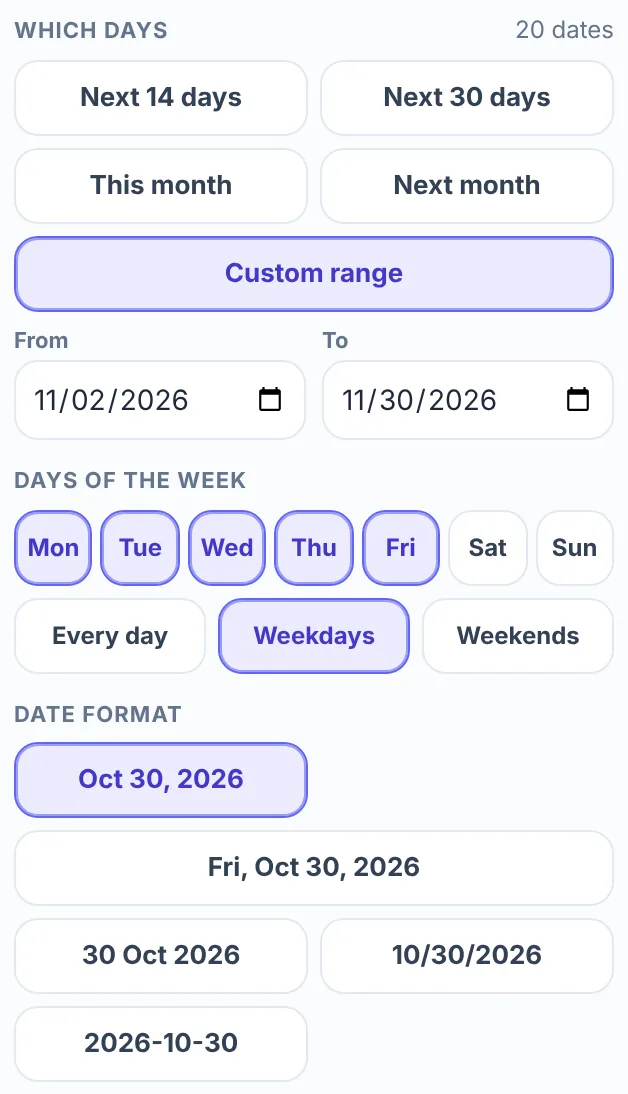
- Choose the days. In the Entries tab, under Which days, pick Next 14 days, Next 30 days, This month, Next month or Custom range. The number at the top right of that block shows how many dates are on the wheel.
- Choose Dates per spin. The 1 date, 2 dates and 3 dates buttons sit above the tabs.
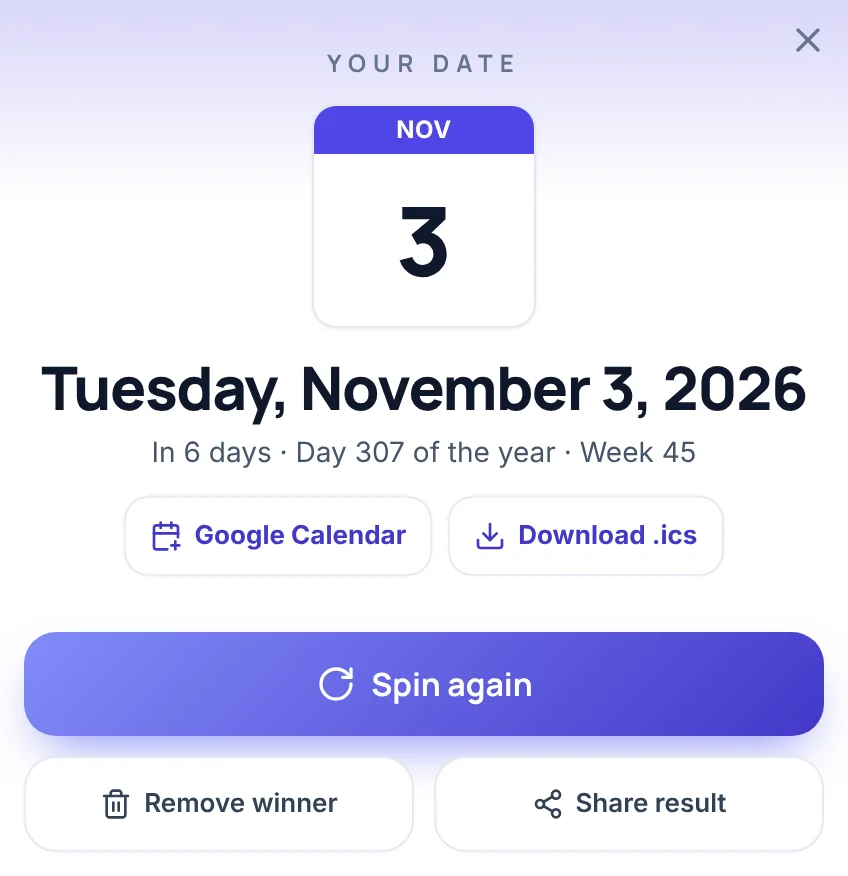
- Read the card. For one date it shows a calendar page, the weekday and full date, how far away the date is, its day of the year and its week number. Spin again gives a new result.
The week number counts the ISO way: weeks start on Monday, and week 1 is the week that holds the year's first Thursday.
On a phone, the day choices, the weekday buttons and Dates per spin sit under the wheel. The date format, the date list and the Mystery buttons are in the Entries sheet, which opens from the bar at the bottom of the screen.
Choose which days go on the wheel
Which days decides what the wheel holds.
| Choice | Dates on the wheel |
|---|---|
| Next 14 days | Today and the next 13 days. This is the opening setting. |
| Next 30 days | Today and the next 29 days. |
| This month | Every day of the current month, including days that have already passed. |
| Next month | Every day of next month. |
| Custom range | Every day from a From date to a To date. It opens with today to 60 days later, which is 61 dates. |
Dates can be in the past or the future. If you enter the later date first, the wheel still uses the days between the two. On the card, a date that has passed reads "Yesterday" or, for example, "12 days ago".
More than 60 dates make a crowded wheel, and a note in the panel says so. A shorter range or fewer weekdays keeps it readable.
Choose weekdays and a date format
Under Days of the week, the buttons Mon to Sun switch single weekdays on or off. Every day, Weekdays (Monday to Friday) and Weekends (Saturday and Sunday) set all seven in one click. One weekday always stays on, so the wheel is never empty. From a Monday to the Monday four weeks later, Weekdays leaves 21 dates and Weekends leaves 8.
Date format changes how each date is written on the wheel and in the date list: Oct 30, 2026, Fri, Oct 30, 2026, 30 Oct 2026, 10/30/2026 or 2026-10-30. The format changes the text only, not which dates are on the wheel, and the result card always spells the date out in full. The numeric 10/30/2026 puts the month first, which a group used to day-first dates can misread. In that case 30 Oct 2026 is the safer choice.
Use the date picker wheel as a random date generator
A random date generator picks a date at random from a span you set. This wheel does that for a span of up to 1,000 days, which is about two years and nine months. Choose Custom range, enter a From date and a To date, and each spin picks one, two or three dates from between them. For example, a From date of 11/02/2026 and a To date of 11/30/2026 put 29 dates on the wheel, and a spin picks from those 29. The span can lie anywhere on the calendar, and a leap day is on the wheel when it includes one.
If the span is longer than 1,000 days, the wheel takes its first 1,000 days and a note under the day buttons says so. A span of decades, such as a random birth date, is too long for it. The wheel gives a day, not a time of day, and at most three dates per spin. For a long list of random dates, for example as test data, use a generator that prints many dates at once.
Spin for two or three dates at once
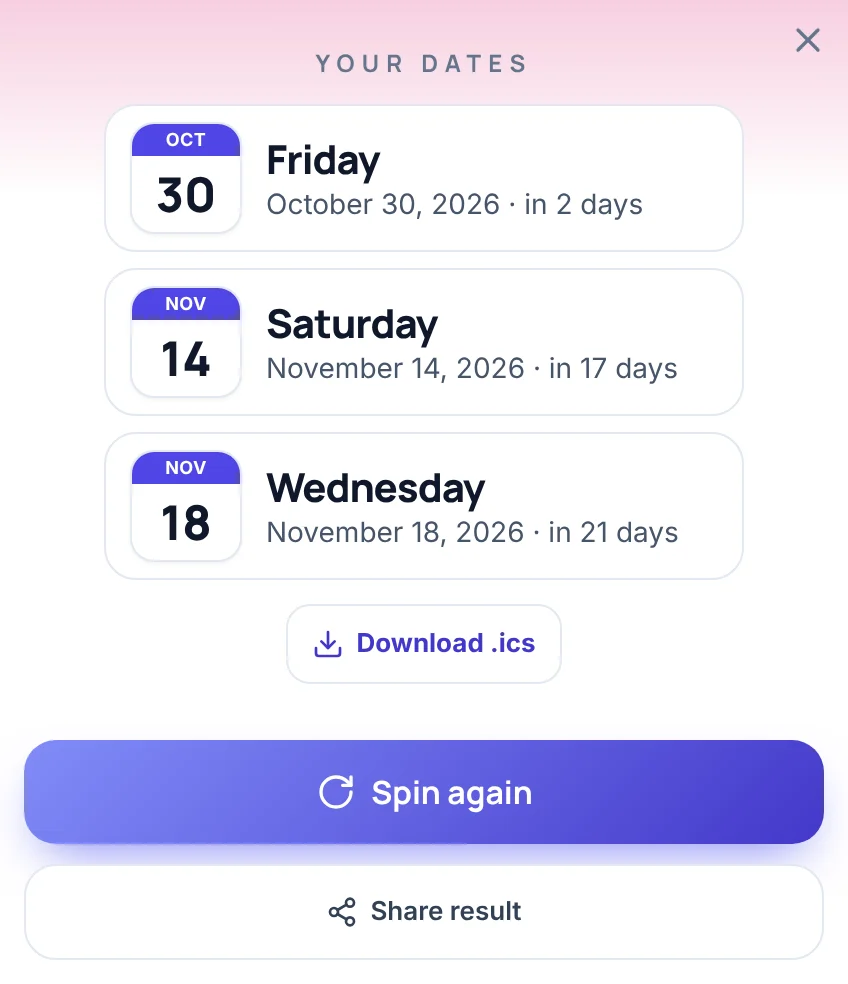
Set Dates per spin to 2 dates or 3 dates and each spin gives that many different dates. The wheel stops on one slice, and the card adds the others from the dates still ticked. It lists them in calendar order, earliest first, each with its weekday and how far away it is.
If fewer dates are ticked than you ask for, you get as many as there are. With two dates ticked and 3 dates chosen, a spin gives those two.
Three dates make a shortlist. Send them to the group to vote on, or pencil in three outings on three different days.
Skip the days you cannot use
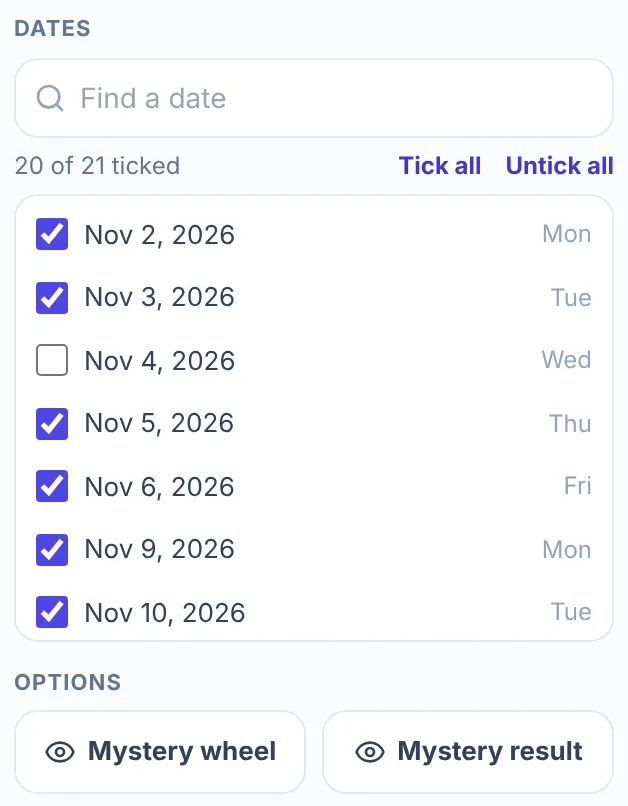
The Dates list in the Entries tab has a checkbox for every date on the wheel. Untick a date and it leaves the wheel, and the count under the search box, such as 20 of 21 ticked, updates at once. Find a date filters the list by the written date or by the weekday name. Tick all and Untick all act only on the dates the search shows, so typing "friday" and pressing Untick all means no Friday can come up.
Changing the days, the date format or a tick rebuilds the wheel from the list. Choose those first. Anything you type into Add a date goes on the wheel as plain text and shows on the card as you typed it, without the calendar details, and the next rebuild drops it.
Keep the date hidden
Two buttons under Options keep the date secret:
- Mystery wheel replaces the date on every slice with a ?.
- Mystery result shows a ? on the card instead of the date, with a Reveal answer button.
Turn on both when one person should learn the date first, such as the planner of a surprise. Pressing Reveal answer shows the full card. The date list in the Entries tab still shows every date, so switch to another tab before anyone looks.
Add the date to your calendar
The result card has a way to keep the date. For one date, Google Calendar opens a new all-day event for that day, titled "Date from ShuffleWheel", in a new browser tab. Download .ics saves a small calendar file, shufflewheel-dates.ics, with one all-day event for each date on the card, and most calendar apps can import that kind of file. With two or three dates, only the .ics file is offered.
Ways to use the date picker wheel
- A weekend plan. Choose Next month and Weekends, untick the days you are busy, and spin for one date.
- Two or three days to choose between. Press Untick all, then tick only the days people are torn between, and spin.
- A start day for a habit or a challenge. Use Next 14 days and spin once. The card says how many days away the date is.
- A weekday game for a class. Keep the format Oct 30, 2026, which shows no weekday on the wheel. Spin, ask the class which weekday the date falls on, then read the answer from the card. The date list shows weekdays too, so switch the panel to another tab first.
What this wheel does not do
- It holds at most 1,000 days, and it gives at most three dates per spin.
- It has no time of day. A result is a whole day.
- It needs at least two dates on the wheel to spin. With one date left, for example a range that starts and ends on the same day, the page says "Add at least 2 items to spin the wheel."
- It does not know about holidays, school terms or your own calendar. Untick those days yourself.
- It uses Gregorian calendar dates only.
- It reads today's date from your device, so a wrong device date moves Next 14 days, Next 30 days, This month and Next month.
- It forgets on reload. The wheel goes back to Next 14 days, Every day and 1 date, and anything you typed is gone.
More wheels to go with it
Once you have the day, the Food Picker Wheel can choose what to eat that evening, and the Random Name Picker can choose who hosts. When the choice is between plans rather than days, use the Decision Maker Wheel. Any other list goes on the Spin the Wheel page.
Frequently asked questions
A date picker wheel is a spinner with calendar dates on its slices that stops on one at random. It is not the scrolling day, month and year control used to enter a date in a form: here you choose the days, spin, and the wheel picks the date.
Yes, for spans of up to 1,000 days. Choose Custom range, enter two dates, and each spin gives one, two or three dates from between them. It does not print long lists of dates, and it has no time of day.
Open Which days, choose Custom range, and set From and To. Then press Spin. If you enter the later date first, the wheel still uses the days between the two.
Yes. Press Weekdays for Monday to Friday or Weekends for Saturday and Sunday, or switch single days on and off with Mon to Sun. One weekday always stays on.
Yes. Custom range accepts any From and To dates, and a result that has passed reads, for example, "Yesterday" or "12 days ago". This month also keeps the days of the month that are already behind you.
Yes. For one date, Google Calendar opens a new all-day event for that day. Download .ics saves a calendar file with one all-day event per date, and it is the only option when a spin gives two or three dates.
The wheel needs at least two dates to spin. With only one date on it, for example when a range starts and ends on the same day or only one date is ticked, the page says "Add at least 2 items to spin the wheel." Widen the range or tick more dates.