On each spin
436 songs to draw from, the wheel shows 24 of them.
Filters436 songs
Era
AnyMood
AnyGenre
AnySlice colours
Random Song Picker: Spin for a Song by Era, Mood or Genre
Narrow 436 songs by era, mood or genre, then press Spin. Get one song, a playlist of three or five, or a different song for each singer.
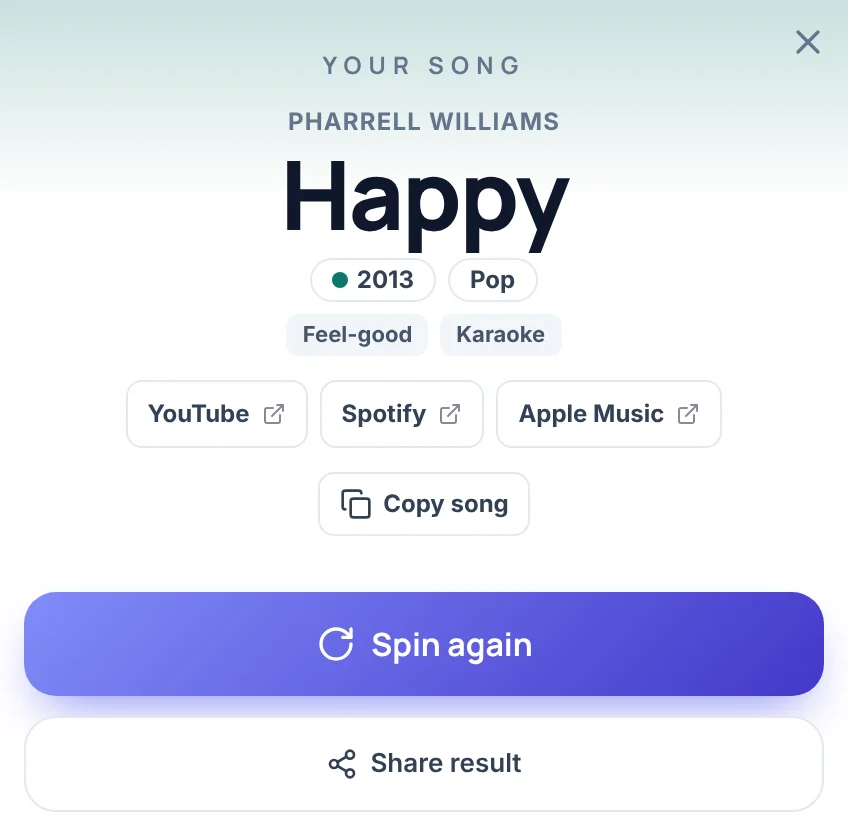
This random song picker is a spinning wheel that picks one song at random from a list of 436 well-known songs. Press Spin and the result card shows the artist, the title, the year the song came out, its genre and its moods, with three links that search for the song on YouTube, Spotify and Apple Music. The page plays nothing itself. The links open a search in a new tab.
Before you spin, you can narrow the list by era, from Oldies to the 20s, by mood, such as Party, Workout, Chill or Road trip, and by genre, such as Pop, Rock or R&B. As a random song generator wheel it shows 24 songs on the slices at a time, colored by era, and it can give one song, a numbered playlist of three or five, or a different song for each of up to eight singers. It does not play music, show lyrics or invent new songs. The section on lyrics, song names and song topics, further down, says what to do for those.
How to use the random song picker
- Press Spin. You can also click the wheel or press Space. The wheel opens with all 436 songs in the pool and 24 of them on the slices.
- Choose the songs. In the Entries tab, under Song filters, tap an era, a mood or a genre. The status line under the wheel says how many songs are in the pool.
- Choose what one spin gives. On each spin has four buttons: 1 song, 3 songs, 5 songs and Singers. They sit above the tabs on a computer and under the wheel on a phone.
- Read the card. For one song it shows the artist, the title, the year, the genre, the moods and the three links. Spin again gives a new result.
On a phone, the spin choice, Draw once and the filters sit under the wheel. The song list and the Mystery buttons are in the Entries sheet, which opens from the bar at the bottom of the screen.
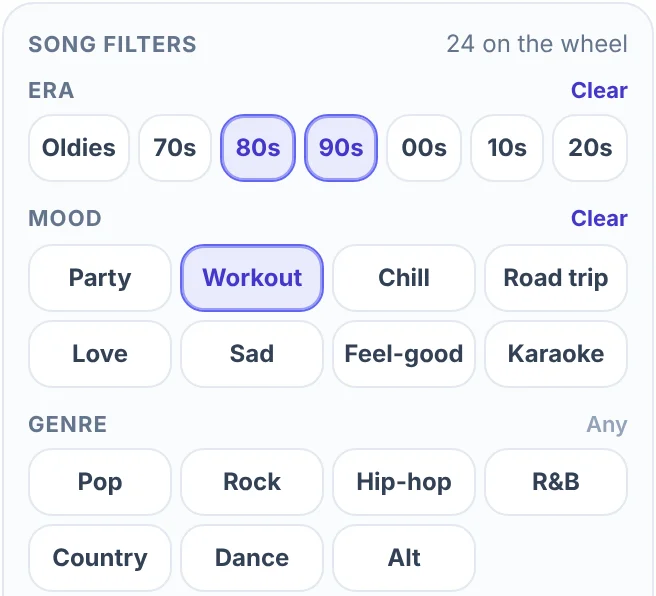
Filter the songs by era, mood or genre
The Song filters block has three rows of chips. A song has one genre and one era, and one to three moods.
| Row | Chips (songs on each) |
|---|---|
| Era | Oldies 31 (up to 1969), 70s 63, 80s 75, 90s 77, 00s 72, 10s 90, 20s 28 |
| Mood | Party 150, Workout 84, Chill 86, Road trip 93, Love 55, Sad 84, Feel-good 159, Karaoke 163 |
| Genre | Pop 170, Rock 109, Dance 47, Alt 47, R&B 36, Hip-hop 14, Country 13 |
Chips in one row add up, and the rows narrow each other. 80s and 90s together give songs from either decade. Add Workout and the pool becomes the 33 workout songs from those two decades. A row with nothing switched on means any, each row has a Clear link, and Clear all filters resets all three. Mood counts add up to more than 436 because a song can carry up to three moods.
When the pool holds more than 24 songs, the wheel shows 24 random songs of it and takes a new set after every spin. The winner is one of the 24 on the wheel, so every song in the pool has the same chance. With 80s, 90s and Workout on, the status line reads "33 songs to draw from, the wheel shows 24 of them." In a smaller pool, such as 10s and Road trip (17 songs), every song is on the wheel. The slices are colored by era, and the Wheel theme button under Slice colours switches back to the site colors. The Songs list under the chips shows every song in the pool, with a Find a song, artist or year box and Tick all and Untick all. Untick a song and it leaves the wheel.
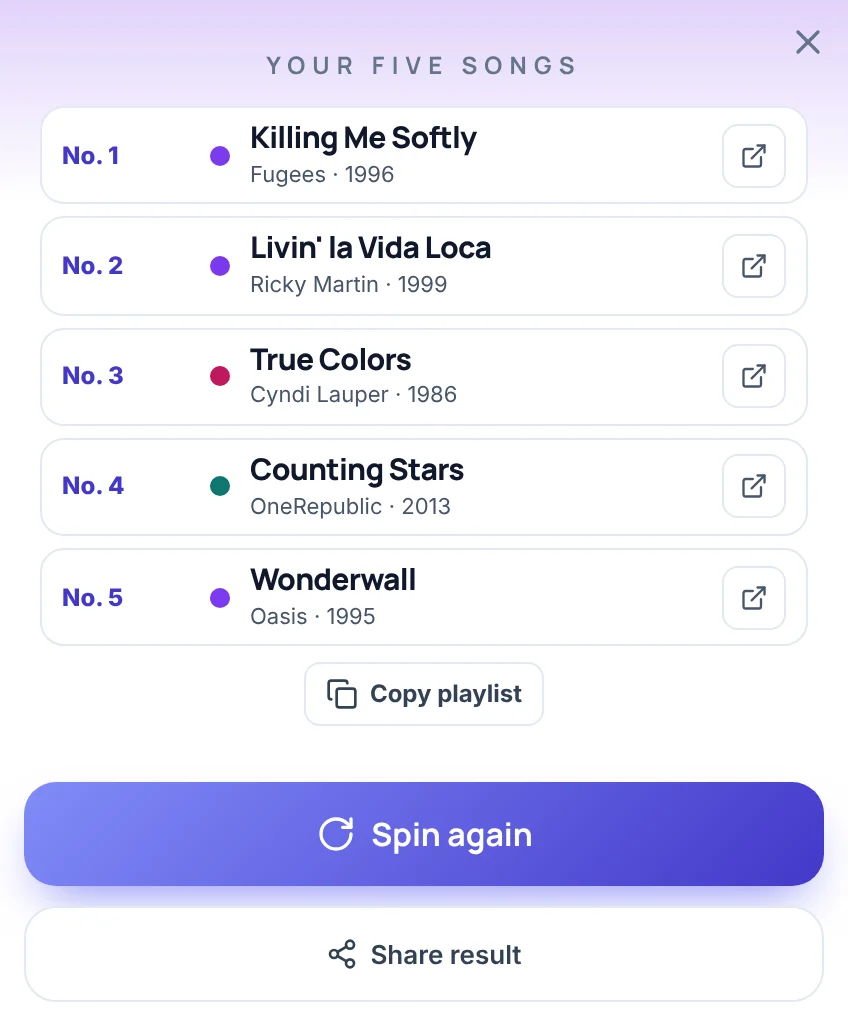
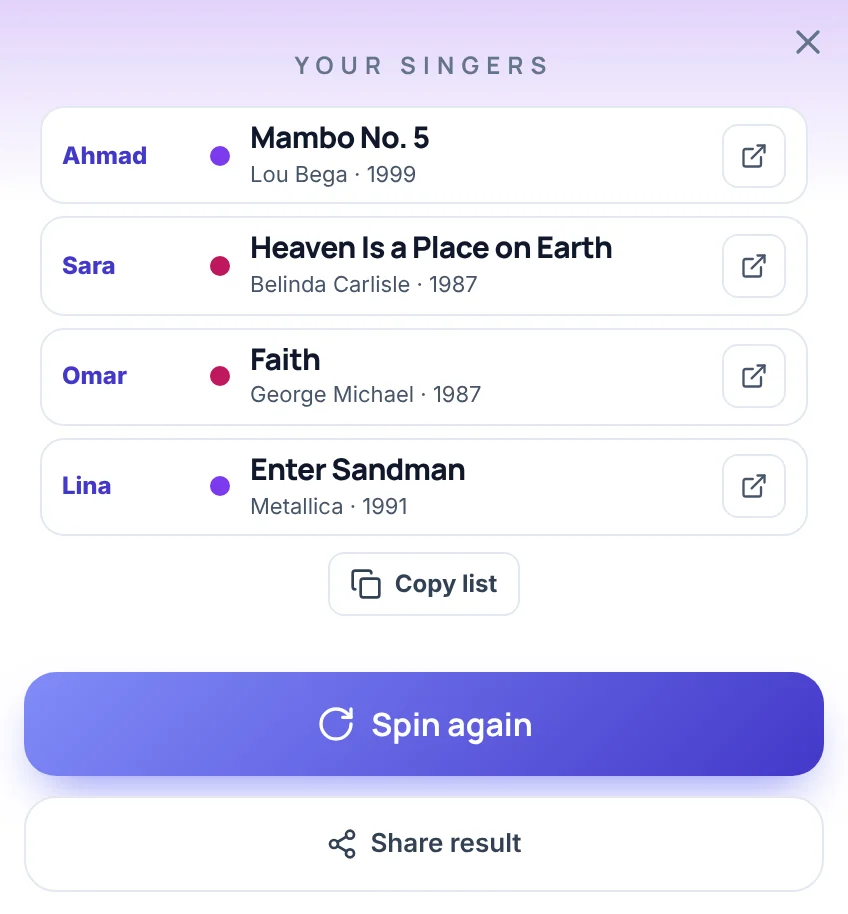
One song, three, five or a song for each singer
On each spin sets what one spin gives. The songs in one result are always different from each other.
- 1 song is the opening setting. The card shows the artist, the title, the year, the genre and the moods, with the three links and a Copy song button.
- 3 songs and 5 songs give a numbered playlist, No. 1 to No. 3 or No. 5, with a small link button on each row and a Copy playlist button that copies the list as text.
- Singers gives each name a different song. Type 2 to 8 names separated by commas, then spin. The card lists the names in the order you typed them, each with a song, and a Copy list button.
- Draw once: no repeats keeps a song off the wheel after it is drawn, until you press Reset draws. It works with every setting above. The status line counts the songs left, for example "28 songs to draw from, the wheel shows 24 of them, 5 drawn."
With fewer than two names, Singers keeps Spin off. Names after the eighth are cut, so the box takes eight at most. You need at least as many songs in the pool as names, or as songs per spin. With four names and only three songs, the page says "Tick at least 4 songs for 4 singers."
Pick a random song from your own playlist
The wheel can spin your list instead of the built-in songs. In the Entries tab, press Bulk edit, paste one title per line and press Apply list. The status line then reads, for example, "4 entries on your wheel. Tap a chip to bring the song list back."
From then on the wheel is yours:
- 1 song picks one of your lines, and the card shows it as you typed it. Your lines have no artist, year or links, because the page only knows its own 436 songs.
- 3 songs, 5 songs and Singers draw different lines from your list.
- Remove winner appears on the card, so a long playlist can be worked through one pick at a time.
- Your list can hold up to 1,000 lines. A longer paste is cut to 1,000.
- Tapping a chip drops your list and brings the built-in songs back.
The page cannot read a playlist from a music app. Copy the titles out of the app yourself, then paste them in.
Lyrics, new song names and song topics
This page picks existing songs. It does not make up anything new, so three things people look for are not here:
- A random song lyric generator. The wheel shows no lyrics. If you want a random line, paste lines of lyrics you already have, one per line, into Bulk edit and spin. The card shows the line as typed.
- A random song name generator. The built-in songs are real songs with their real titles. For invented titles, paste a list of title ideas into Bulk edit and spin it as plain text.
- A random song topic generator. The moods (Love, Sad, Road trip, Party and the others) describe how a song feels, not what it is about. For a topic to write a song about, paste your own topics into Bulk edit, or spin the Random Object Generator Wheel for an everyday object to start from.
Ways to use a random song
- A song for a task. To pick a random song for cleaning, studying or a workout, switch on Workout or Chill, press Spin and play the result in your music app.
- A road trip queue. Choose Road trip, set 5 songs and press Copy playlist. Spin again for the next five.
- A song for each singer. At a karaoke night, use Singers to give every name a different song, with Karaoke on to stay inside the 163 songs that carry that mood.
- A guess-the-year round. Under Options, Mystery result shows a ? on the card instead of the song, with a Reveal button. Ask the group to guess the year, then reveal. Mystery wheel puts a ? on every slice too.
- A song as a dare or a forfeit. In a Truth or Dare round, a drawn song can be the dare: sing the first line, or hum it until someone names it.
- A theme for a game night. Spin a decade, then play a round of Charades with music from that era in the background.
What this song picker does not do
- It plays no music. The YouTube, Spotify and Apple Music buttons open a search page in a new tab, and ShuffleWheel is not affiliated with those services. The page shows no lyrics, cover art or logos.
- It holds 436 songs by 290 artists, chosen by hand, not a live chart or a full catalog. The 20s chip holds only 28 songs, Hip-hop only 14 and Country only 13.
- It has no age filter and no clean-lyrics filter, and the list is not screened for every audience. Check a song before you play it for children or a class.
- The year on the card is the year the song first came out.
- It cannot read a playlist from a music app. Paste titles in yourself.
- Your own pasted lines have no artist, year or links.
- It needs at least two songs in the pool. With one song left, the page names it instead of spinning.
- The wheel shows 24 songs at a time, so a pool of 100 shows 24 of them on the slices.
Frequently asked questions
Yes. Press Spin on this random song picker and it picks one song at random from 436 songs, with the artist, the year, the genre and a link to search for it. You can narrow the pool first by era, mood or genre, or choose 3 songs or 5 songs to pick a few at once.
This page cannot say, because it holds no listening data and no age filter. Taste varies a lot from teenager to teenager. A practical way is to let the teenager choose the chips. The 10s and 20s together hold 118 of the 436 songs, and a mood such as Party or Feel-good narrows them further. The list is not screened for age, so check a song before you play it for younger listeners.
There is no such list. A top 10 is a ranking, and this wheel has no chart positions, sales or stream counts. For ten random songs, switch on Draw once: no repeats, choose 5 songs and spin twice. The two cards give ten different songs.
It is a song that makes the listener wince, but which songs count depends on the person, the age and the crowd, and nothing on this page labels a song that way. For a game, deal each friend a song with Singers, then let the group vote on who has to explain or perform theirs.
Press Bulk edit in the Entries tab, paste your titles one per line and press Apply list. The wheel then spins your list, and 1 song, 3 songs, 5 songs and Singers all draw from it. The page cannot read a playlist from a music app, so you paste the titles yourself.
Not with one button, but yes in steps. Switch on Draw once: no repeats, choose 5 songs and spin again and again. No song repeats until you press Reset draws, so twenty spins give 100 different songs. Copy playlist copies the five songs of the card in front of you, so copy after each spin. The Songs list under the chips also shows every song in the current pool.
It is a random song generator wheel for real songs, with no lyrics, no invented song names and no song topics. Each result is a real song with its artist and year. For lyric lines, new titles or topics, paste your own list into Bulk edit and spin it.
No. The page plays no audio. The YouTube, Spotify and Apple Music buttons open a search for the song in a new tab, and you play it there.